
Add the SDK (iOS)
Download the SDK and add the SDK to your iOS app

To add JWX's video experience to your app, you must import the JWX iOS SDK (app) and then configure your project.
You can add the SDK to your project using one of the following methods:
CocoaPods deprecation
JWX iOS SDK 4.28.2 is the final version published to CocoaPods.
CocoaPods Trunk will become read-only on December 2, 2026, and will no longer accept new package versions. Existing CocoaPods installations will continue to work, but future SDK updates will require migration to Swift Package Manager or local installation.
Local
If you have any problems completing any of these tasks and have a valid JWX license, please log a support ticket for assistance.
Download the SDK
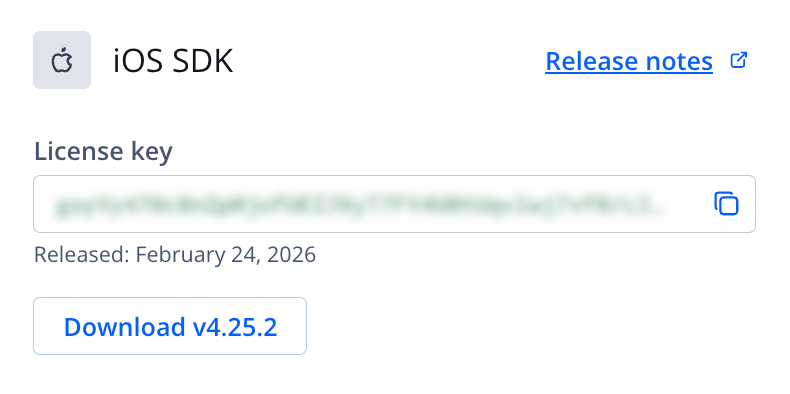
iOS SDK section
Follow these steps to download the SDK:
- On the Properties tab, click the name of a property. The property settings page appears.
- Under Network & setup files, click Player setup files. The Player setup files page appears.
- Under iOS SDK, click Download v4.xx.x to download the player library to your device.
- Unzip the downloaded file.
Import the SDK into your project
Follow these steps to import the SDK:
- From within Xcode, select your project from the project navigator.
- Select the target in the left column of the project editor.
- Click General.
- In the Linked Frameworks and Libraries, click +.
- Click Add Other.
- Select JWPlayerKit.xcframework (iOS) from your computer.
- Click Open.
You can now configure your project.
Swift Package Manager
If you have any problems completing any of these tasks and have a valid JWX license, please log a support ticket for assistance.
The Swift Package Manager (SPM) is a tool for managing the distribution of Swift code. You can add a package dependency to your project via the Xcode UI, or by directly adding it to the package.swift file.
Xcode UI
- Open your project in Xcode.
- Select the File > Add Package Dependency item from the menu bar.
As an alternative, follow these steps:
- Navigate to your project's Project File.
- From your target’s General pane, under Frameworks, Libraries, and Embedded Content, click the + button.
- Select Add Other.
- Select Add Package Dependency.
- Enter the package URL,
https://github.com/jwplayer/JWPlayerKit-package.git.
See Apple's documentation for further details.
Package.swift
In the Package.swift file, add the JWPlayerKit dependency.
dependencies: [
    .package(url: "https://github.com/jwplayer/JWPlayerKit-package.git", .upToNextMajor(from: "4.16.0"))
]
Updated 6 days ago