
Max RPM
Learn how to add a Max RPM experience
A Max RPM experience lets you add a revenue-optimized video experience to your strategy, enabling additional ad-focused placements without affecting your primary content playback.
Prerequisite
| Item | Description |
|---|---|
| Max RPM Configuration | Settings defining the media to curate |
Add a Max RPM experience
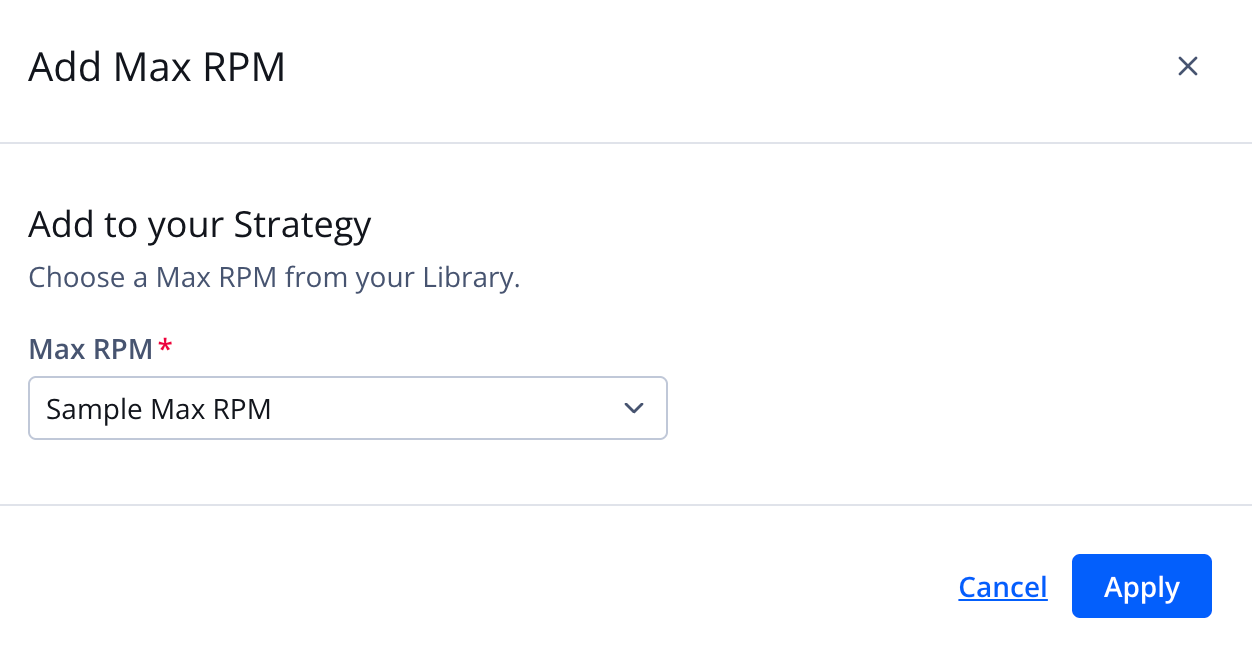
Add Max RPM experience panel
Follow these steps to add an experience:
- On the strategy tree, click + Add experience > Max RPM. The Add Max RPM page appears.
- Select a Max RPM experience.
If multiple Max RPM experiences are listed, you can enter a full or partial experience name to filter the list.
- Click Apply to add the experience to the decision tree.
Updated about 1 month ago