
Manage your profile
Learn how to manage your profile details and settings in the dashboard
After you have created an account profile in the JWX dashboard, you can edit your profile details, change your password, and set email notifications.
You can also configure multi-factor authentication to protect your account with an added layer of security.
Edit your profile details
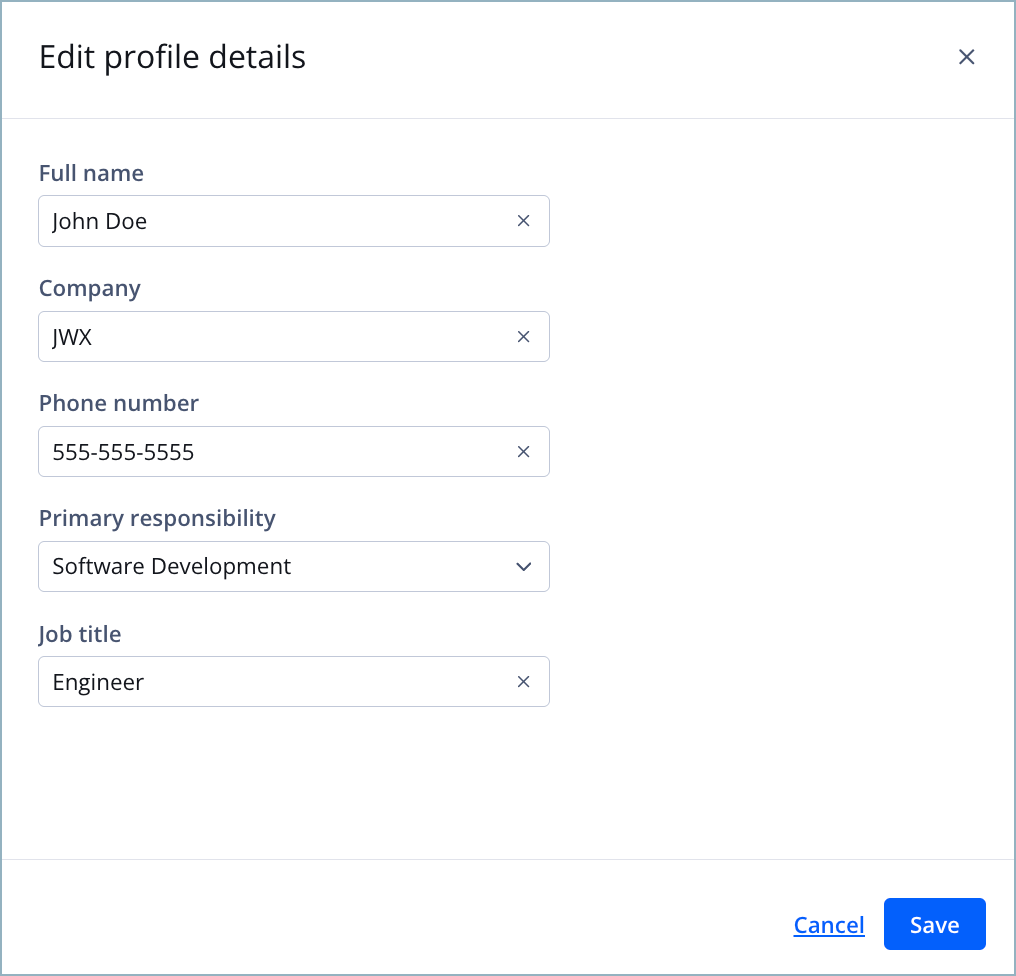
Edit profile details panel
Follow these steps to edit your profile details:
-
On the Profile page, in the Profile section, click Edit profile details. The Edit profile details panel appears.
-
Edit one or more of the following fields.
Field Action Full name Enter your first and last name. Company Enter your company name. Phone number Enter your phone number. Primary responsibility Select a responsibility from the dropdown menu. Job title Enter your job title.
-
Click Save. The Edit profile details panel closes, and the Profile section displays your updated details.
Change your password
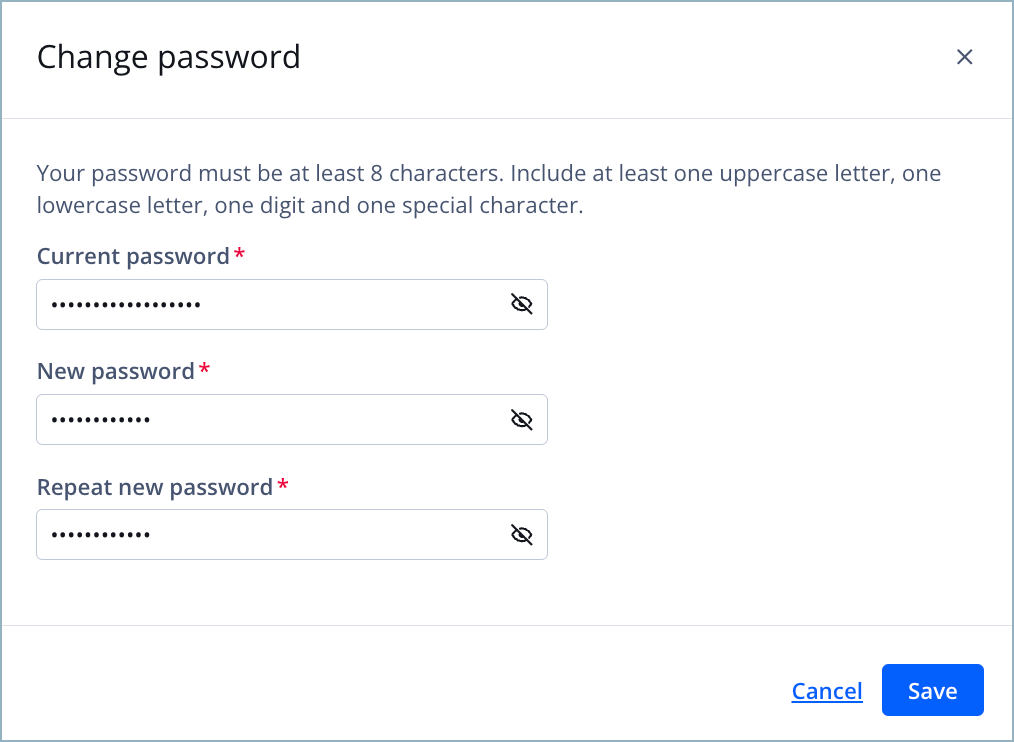
Change password panel
Follow these steps to change your password:
-
On the Profile page, in the Security section, click Change password. The Change password panel appears.
-
Enter your Current password.
If needed, you can click
 (eye icon) to reveal the password. You can click this icon in steps 3-4 as well.
 -
Enter a New password.
Your new password must be a minimum of eight characters. It must include at least:
- One uppercase letter
- One lowercase letter
- One digit
- One special character
-
Enter your new password again in the Repeat new password field.
-
Click Save. The Change password panel closes, and you will be required to enter the new password during your next session login.
Set email notifications
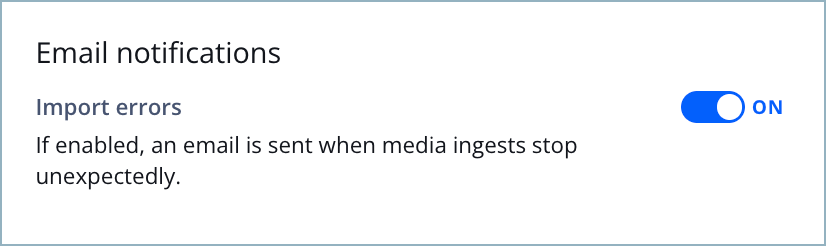
Email notifications section
When enabled, the JWX dashboard sends you email notifications if an error occurs during media ingestion.
Follow this step to enable or disable email notifications:
- On the Profile page, in the Email notifications section, click the toggle to ON (enabled) or OFF (disabled). By default, email notifications are enabled.
Updated about 1 month ago