
Characters ᴮᴱᵀᴬ
Learn how to create a character
This is a beta offering. You can request access to this beta feature through your JWX representative.
By using this documentation, you are agreeing to abide by the terms of the JWP Beta Program Agreement.

A character defines the voice used when creating transformed content in JWX Studio. The selected voice determines the persona applied to outputs and can be reused across projects to maintain a consistent voice.
When creating a character, you provide a name, an optional description, and select a voice.
Create a character
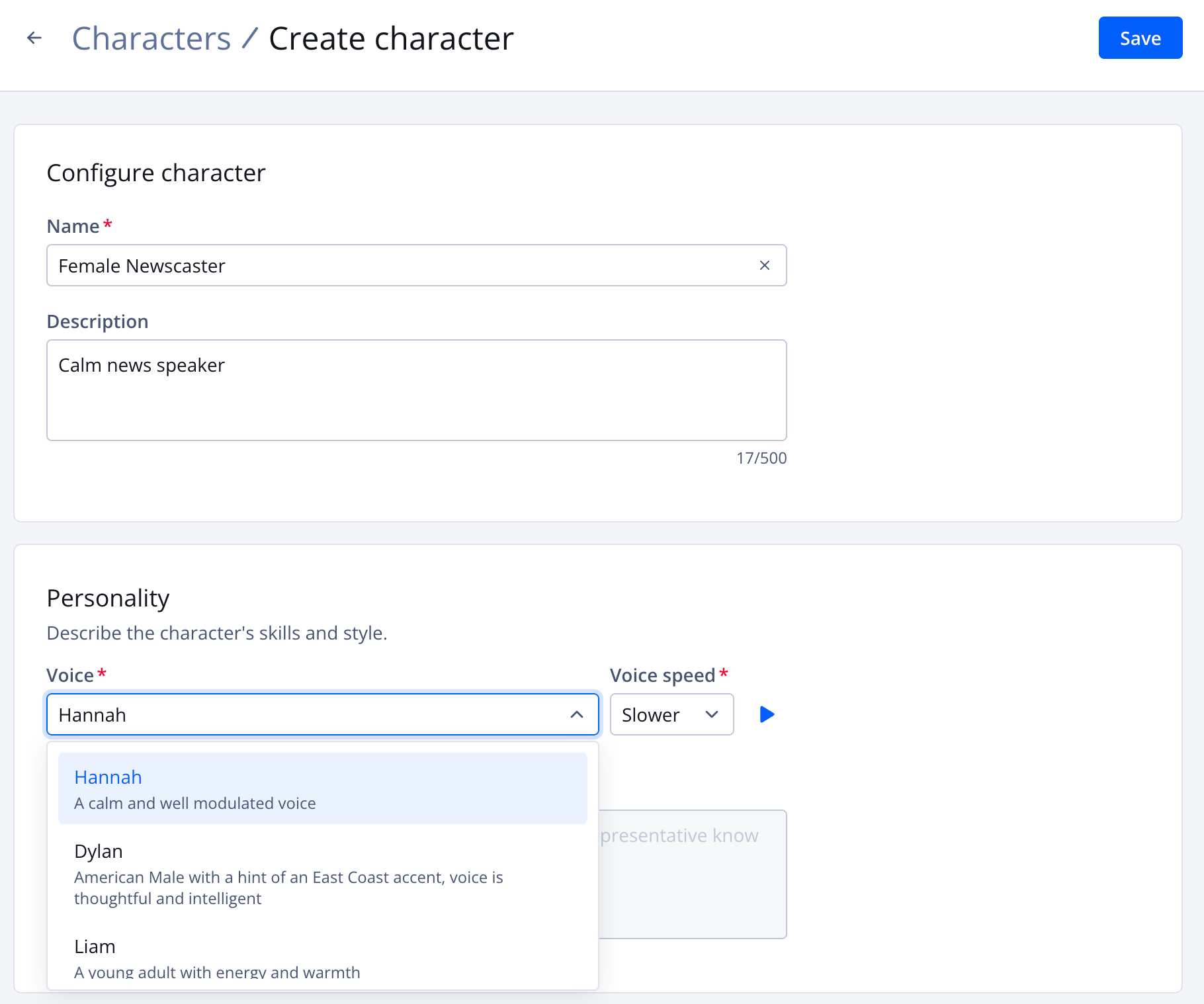
Create character page
Follow these steps to create a character:
-
On the Properties page, click the name of a property. The property settings appear.
-
Under JWX Studio, click Characters. The Characters tab opens.
-
Click Create character. The Create character page appears.
-
Enter a Name for the character.
-
(Optional) Enter a character Description.
-
Under Personality, choose a character Voice from the list of default voices.
Click ▶ (play icon) to preview the selected voice.
-
Select the Voice speed for the character.
Click ▶ (play icon) to preview the selected speed.
When Voice speed is not set to Normal, the preview audio may differ slightly from the final output. Make sure to review the generated audio and video before publishing.
-
Click Save. The character is saved and listed on the Characters tab.
Updated about 1 month ago