
JWX Support Portal Guide
Learn how to manage your portal account and to submit and view support requests
The JWX Support Portal enables you to submit new requests and view existing requests.
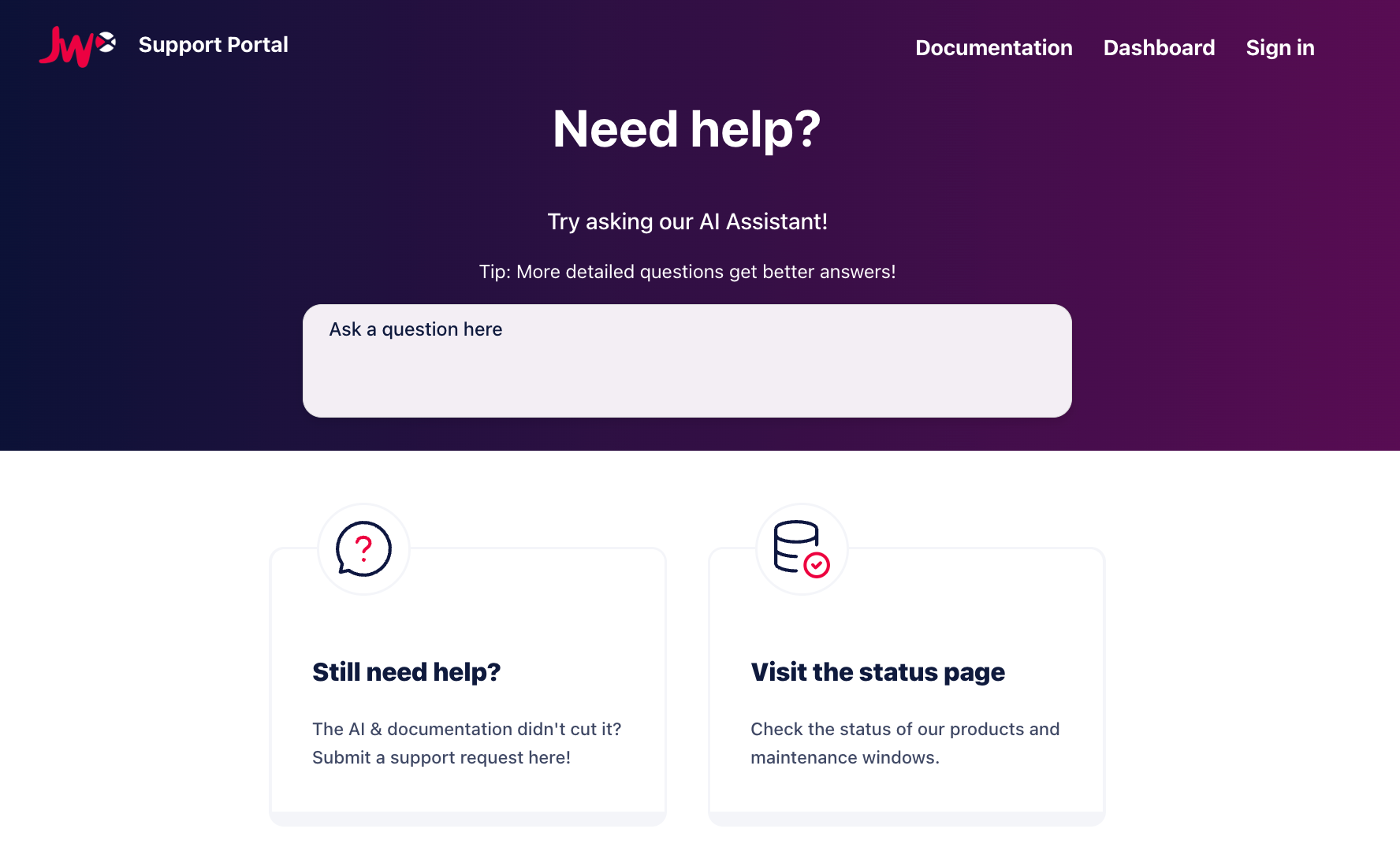
Support Portal homepage
Additionally, you can seek answers to common questions through our JWX Support AI, access your JWX dashboard, and view the JWX system status page.
When registered and logged in, the homepage showcases recently submitted requests.
Get registered
Your JWX Support Portal login credentials are different from your JWX dashboard login credentials.
We recommend registering an account with the JWX Support Portal. While you can still submit and reply to requests without an account, having a registered account offers the following benefits:
- View all active and historical requests you have created or in which you have been CC'd
- See the support products available to you
Follow these steps to register:
- On the JWX Support Portal page, click Sign In. The sign in page appears.
- Click Sign Up.
- Enter Your full name.
- Enter Your email address.
- Click Sign up. You will receive an email.
Updated about 1 month ago