
Max RPM configuration
Learn how to define a Max RPM configuration
Before you can create a Max RPM experience, you must first define a Max RPM configuration. The configuration determines which media is used when the experience runs.
Max RPM experiences do not support DRM-protected media.
Prerequisites
| Item | Description |
|---|---|
| Max RPM Enablement | Contact your JWX Account Representative for more information. |
| Media Curation Configuration | Settings defining the media and playlist to curate |
Define a Max RPM configuration
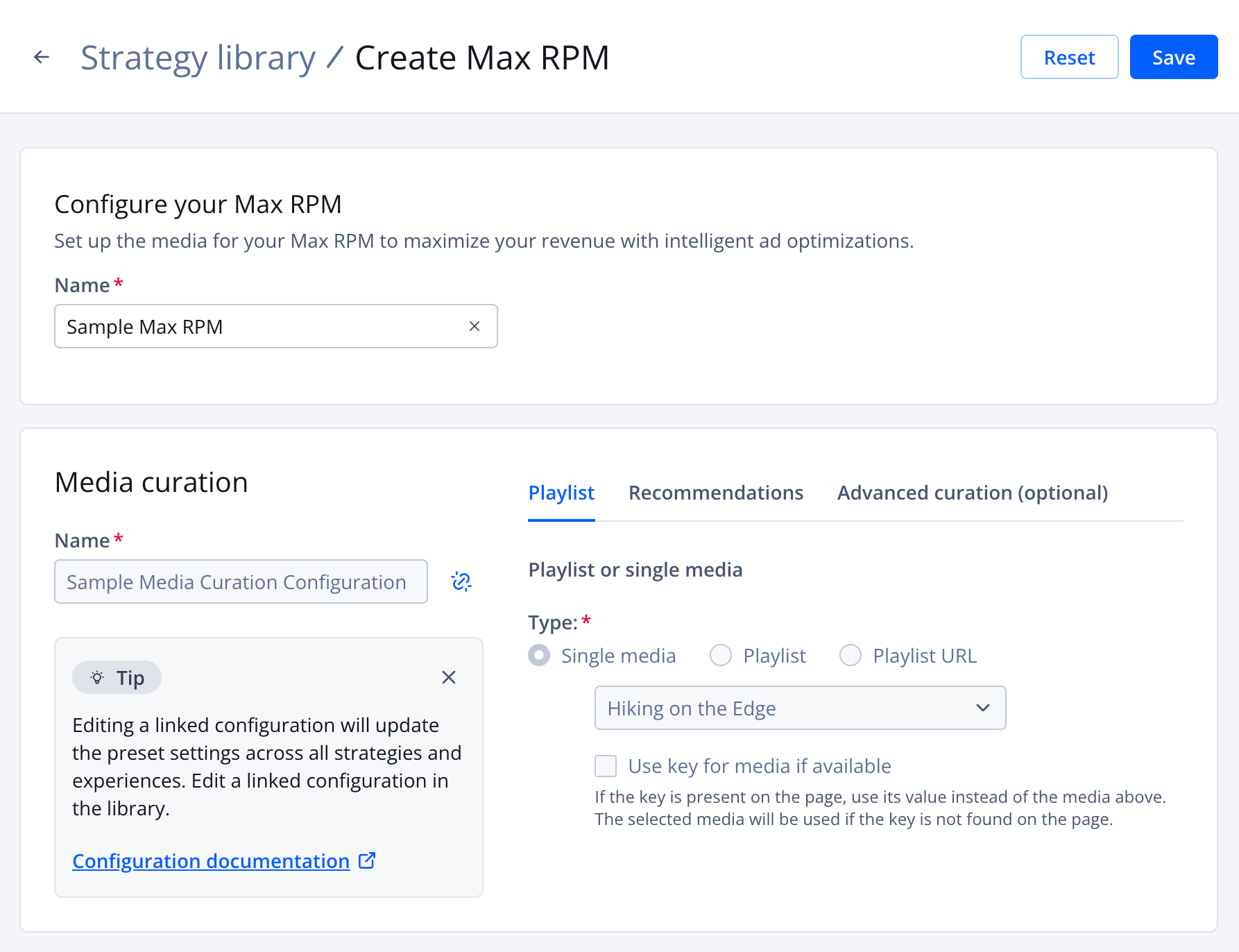
Create Max RPM page
Follow these steps to create an experience:
-
On the Dynamic Strategy Rules page, click the Library tab.
-
Click the configuration name. The settings page for the configuration appears.
-
(Optional) Under Configure your Max RPM, replace the Name. This will identify the configuration on the Library tab.
-
Under Link to media curation, select a media curation configuration.
You can create a new media curation configuration to link to the Max RPM experience.
Follow these steps:
- Under Create new Media curation, click Create new. The Create media curation page will open in a new browse tab.
- Starting with step 2, define a media curation configuration.
- Close the browser tab.
- Return to the Max RPM tab to select the newly created media curation configuration.
-
Click Link. The media curation settings will populate the page.
If you need to unlink a media curation configuration, click
 (unlink icon) next to the Name of the media curation configuration.
 -
Click Save. The configuration will appear on the Library tab.
Updated about 1 month ago